HIPAA's IT requirements come from the Security Rule. It asks every covered entity and business associate to protect electronic health information with three kinds of safeguards (administrative, physical and technical), backed by a documented risk analysis you keep current. The rule is flexible about which tools you pick and strict about proving you chose them deliberately. For a small practice, the most reliable way to meet it is to have one IT team that runs the safeguards every day and keeps the evidence. That is how we run managed IT for healthcare organizations in Southern California.
TL;DR
- The Security Rule covers electronic protected health information (ePHI) at health plans, clearinghouses, providers that bill electronically, and their business associates.
- It requires administrative, physical and technical safeguards. Some specifications are "required" and others are "addressable", which means you must implement them or document an equivalent.
- A written, thorough risk analysis comes first. Every other decision, from email encryption to backups, should trace back to it.
- Email is allowed, but only with protections you have assessed and documented.
- A 2025 federal proposal would remove the "addressable" flexibility for encryption. Building to that standard now avoids a scramble later.
Table of Contents
- Who has to follow the HIPAA Security Rule
- The three safeguard categories, in plain terms
- Start with the risk analysis
- HIPAA compliant email
- Vendors and business associate agreements
- Backups, disaster recovery and contingency planning
- A working HIPAA IT compliance checklist
- What is changing: the proposed Security Rule update
- Perspective
- How Secure Techies supports HIPAA IT work
- FAQ
- Sources
Who has to follow the HIPAA Security Rule
Per HHS's summary of the Security Rule, it applies to health plans, health care clearinghouses, any health care provider that transmits health information electronically in connection with a HIPAA-standard transaction, and business associates of covered entities. A business associate is a vendor that handles ePHI for you, such as an IT provider, a billing company or a cloud host.
Size does not exempt you. The CDC's HIPAA overview notes that covered providers include every provider, regardless of size, who electronically transmits health information for claims, eligibility checks, referral authorizations or other standard transactions. A solo dentist who bills insurance electronically is covered.
The rule protects ePHI: individually identifiable health information that is stored or sent electronically. It does not govern paper or spoken information; the Privacy Rule does. In practice that means anything on your servers, laptops, phones, email, cloud apps, backups and practice management software.

The three safeguard categories, in plain terms
HHS groups the requirements into three buckets. Here is what each one means for an office with computers and a network.
Administrative safeguards
According to the HHS summary, administrative safeguards include:
- a security management process (risk analysis and risk management)
- an assigned security responsibility (one named person)
- workforce security and information access management
- security awareness and training
- security incident procedures
- a contingency plan
- periodic evaluation
- business associate contracts
These are mostly policies, people and paperwork, but each one needs technology behind it. Training needs a record of who completed it. Access management needs a way to add and remove accounts quickly when staff change roles.
Physical safeguards
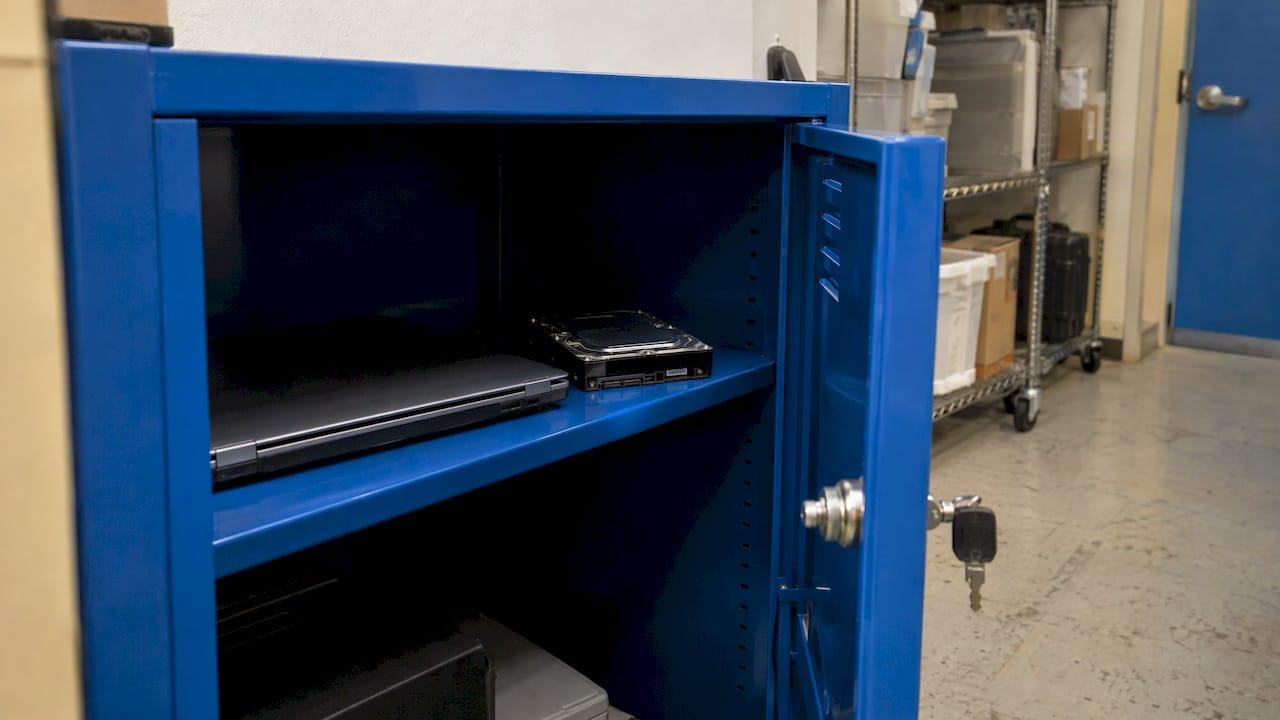
Per 45 CFR Part 164 Subpart C, physical safeguards cover facility access controls, workstation use and security policies, and device and media controls. Disposal of hardware and electronic media that contain ePHI is a required specification. That includes the old copier hard drive and the retired laptop in the supply closet.
Technical safeguards
The technical standards in 45 CFR 164.312 are what most people mean by "HIPAA IT requirements":
| Standard | What it asks for | Required or addressable |
|---|---|---|
| Access control | Unique user IDs; emergency access procedure | Required |
| Access control | Automatic logoff; encryption and decryption | Addressable |
| Audit controls | Record and examine activity in systems that hold ePHI | Standard |
| Integrity | Protect ePHI from improper alteration or destruction | Standard |
| Person or entity authentication | Verify that the person seeking access is who they claim to be | Standard |
| Transmission security | Guard ePHI sent over networks; integrity controls and encryption | Addressable specifications |
"Addressable" does not mean optional. You assess whether the measure is reasonable for your environment, implement it or an equivalent, and write down your reasoning.
Start with the risk analysis
The risk analysis is the requirement auditors ask for first. HHS's guidance on risk analysis states that covered entities and business associates must conduct an accurate and thorough assessment of the potential risks and vulnerabilities to the confidentiality, integrity and availability of the ePHI they hold.
A workable analysis does five things:
- Inventories where ePHI lives. Servers, workstations, laptops, phones, cloud apps, email, backups, medical devices and the vendors that touch any of them.
- Identifies threats and vulnerabilities. Unpatched systems, shared logins, lost devices, phishing, ransomware, a failed backup.
- Rates likelihood and impact for each risk.
- Assigns a fix, an owner and a date to each risk that matters.
- Is documented and repeated when your environment changes, such as a new EHR, a move or a new vendor.
The federal Security Risk Assessment Tool was built by ASTP/ONC with HHS OCR to help small and medium providers with this requirement. Its own guide says that using the tool does not by itself mean you are compliant, and that the findings may require remediation. The assessment is only as good as the work behind it. For a broader view of how structured assessments map risks to controls, this risk assessment framework is a useful companion.
We have also published a HIPAA security risk analysis case study for a clinic, and a free cybersecurity risk score is a quick way to see where your gaps sit before a full analysis.
HIPAA compliant email
Email is where most small practices handle ePHI most often. HHS's FAQ on email says the Security Rule does not expressly prohibit sending ePHI by email. It does require you to restrict access, protect integrity and guard against unauthorized access. You must assess your use of open networks, identify appropriate protections, select a solution and document the decision. ePHI may cross an open network only if it is adequately protected.
What that looks like in a real mailbox:
- Encryption beyond TLS alone. The HHS 405(d) technical guidance for medium-sized organizations recommends envelope encryption, because it stays encrypted when a message is forwarded. It also describes configuring partner systems to require TLS and automatically encrypting or blocking messages that users fail to encrypt.
- Multi-factor authentication on every mailbox, so a stolen password alone does not open patient data.
- A signed business associate agreement with the email provider and any encryption add-on.
- A patient communication policy. Law firm Holland & Hart's analysis of HHS guidance explains that for patients you can either secure the message or warn the patient that it is not secure and let them choose to continue. For staff, other providers and third parties, a warning is not enough and Security Rule safeguards must be in place.
If you are choosing how to protect outbound messages, this overview of transmission safeguards for healthcare email shows where automation fits into the intake and claims flow. For the full email setup, including the agreement and checklist, see our guide to audit-ready HIPAA email encryption. Practices moving to Microsoft 365 or Google Workspace can fold these controls into the migration, so the new tenant starts with encryption and MFA already in place.
Vendors and business associate agreements
Every vendor that creates, receives, maintains or transmits ePHI for you needs a written contract. HHS's page on business associate contracts lists what the contract must establish, including the permitted uses of the information and the safeguards the vendor must apply, and it publishes sample provisions. In a typical practice that means the IT provider, cloud storage, email, the EHR host, the shredding company, the answering service and the billing company.
Keep a vendor list with the date each agreement was signed. Our guide to what providers must know about the HIPAA business associate agreement walks through the clauses.
Backups, disaster recovery and contingency planning
The contingency plan is an administrative safeguard, and HHS's administrative safeguards paper marks the data backup plan and the disaster recovery plan as required specifications. It also includes an application and data criticality analysis, which asks which systems you would restore first.
In practice, a defensible plan has:
- Automated, monitored backups that alert someone when a job fails
- An offsite or cloud copy separate from the network a ransomware infection could reach
- A documented restore test with the date and result
- A written order of recovery: EHR and phones first, then billing, then the rest
- An emergency mode procedure so care continues if systems are down
The contingency and incident response requirements also touch how documents and records are processed and stored, which is worth reviewing when you decide what is in scope.
A working HIPAA IT compliance checklist
Use this as a practical map. Each line ties back to a safeguard above.
Governance
- A named security official
- A current, written risk analysis and a risk management plan with owners and dates
- Written policies reviewed on a schedule, and after any major change
Access
- Unique login for every user, no shared accounts
- MFA on email, remote access and the EHR where supported
- Role-based access, with same-day removal when someone leaves
- Automatic screen lock and logoff
Devices and facilities
- Full-disk encryption on laptops, desktops and phones that touch ePHI
- Current patching and endpoint protection on every device
- An asset inventory, including who has what
- Documented disposal and reuse of drives and media
- Screens positioned away from public view and server or network closets locked
Network and transmission
- Managed firewall, segmented guest Wi-Fi, secured wireless
- Encrypted email and secure file transfer for ePHI (see our secure file transfer options)
- Audit logs turned on and reviewed for key systems
Resilience and response
- Monitored backups and a tested restore
- A written incident response procedure with who to call and when
- Annual workforce training with completion records
Vendors
- A signed business associate agreement with every vendor that touches ePHI
- An up-to-date vendor list
Our longer HIPAA compliance checklist for healthcare goes item by item, and the healthcare IT security priorities article shows how to sequence the work over 90 days.
What is changing: the proposed Security Rule update
On January 6, 2025, HHS published a proposed rule to strengthen the Security Rule. It would expressly require encryption of ePHI with limited exceptions, which removes the addressable analysis for encryption. It would also require an inventory of technology assets and a map of how ePHI moves through your systems. If a final rule is published, it would take effect 60 days later, with a general compliance period of at least 180 days after that.
HHS's reasoning was that encryption is built into most software today and affordable solutions exist. Since the asset inventory and data-flow map are also part of a good risk analysis, doing both now costs little and puts you ahead of the proposal. Check the Federal Register and HHS for the current status of the final rule.
Perspective
Most small practices we talk to do not fail HIPAA because they ignored it. They fail because the work is spread across a front desk manager, an EHR vendor and a part-time technician, and nobody owns the evidence.
Our approach is proactive: monitor, patch and fix issues before they interrupt patient care, with 24/7 monitoring and a dedicated local team in Southern California. The same team that keeps systems running also keeps the documentation current, so the risk analysis, backup tests and access reviews are products of daily operations, not a scramble before an audit.
Compliance and security are built into our managed IT, cybersecurity, backup and disaster recovery, and compliance audit services. That is why we recommend treating HIPAA as an ongoing IT function, not a yearly project.
Alex
How Secure Techies supports HIPAA IT work
If you want the safeguards above run for you, our Managed IT Services combine proactive management and 24/7 monitoring, with Compliance & Security Audits covering HIPAA. We also provide Backup & Disaster Recovery and Cybersecurity Solutions, including endpoint detection and incident response. Billing is flat-rate and transparent, without long-term contracts.
For medical offices specifically, see IT support for medical practices or contact us through securetechie.com to start with a risk analysis.
FAQ
Does HIPAA apply to my small practice's computers and software?
Yes. The Security Rule's safeguards apply directly to the electronic systems that hold or transmit ePHI, including workstations, servers, cloud apps and the media they use. 45 CFR Part 164 Subpart C covers workstation security, device and media controls, access control, audit controls and transmission security.
Is there an official HIPAA certification?
No government body certifies a practice as HIPAA compliant. What you can show is evidence: a current risk analysis, policies, training records, signed business associate agreements, backup test results and audit logs. A compliance audit gathers and checks that evidence.
Is encryption required?
Under the current rule, encryption and decryption are addressable specifications, so you must implement them or document an equivalent measure. The January 2025 proposal would make encryption an express requirement with limited exceptions. Because most modern systems support it, encrypting laptops, phones, backups and email is the sensible baseline.
How often should I do a risk analysis?
HHS requires the analysis to be accurate and thorough, and the Security Rule also calls for periodic evaluation. Repeat the analysis when your environment changes, such as a new EHR, a new location, a migration or a major vendor change, and review it on a regular schedule.
Sources
- Summary of the HIPAA Security Rule, HHS
- HIPAA overview, CDC
- 45 CFR Part 164 Subpart C, eCFR
- 45 CFR 164.312 Technical safeguards, eCFR
- Guidance on Risk Analysis, HHS
- Security Risk Assessment Tool User Guide, ASTP/ONC
- HHS FAQ on sending ePHI by email
- HICP Technical Volume 2, HHS 405(d)
- E-mailing and Texting PHI, Holland & Hart
- Business Associate Contracts, HHS
- HIPAA Security Series: Administrative Safeguards, HHS
- HIPAA Security Rule proposed rule, Federal Register